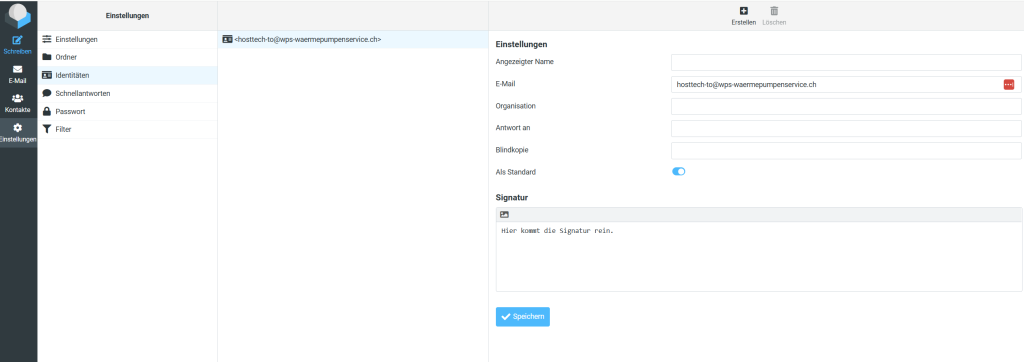
This setting can be made either directly in the respective email client or via webmail, as described in the instructions. If you want to make the adjustment in your email client, the procedure differs depending on the program you are using.
webmail
- Log in to webmail at webmail.deinedomain.eu (replace deinedomain.eu with the actual one).
- Click on “Settings” on the left.
- Now select “Identities” and click on your e-mail address.
- Now you can create a signature which is only valid for the webmail. Create the desired text and click on “Save” at the end.