Recommended applications
| Google Authenticator | iOS | Android |
| Microsoft Authenticator | iOS | Android |
| LastPass | iOS | Android |
- Go to the online backup login page at https://backup.hosttech.eu/login.
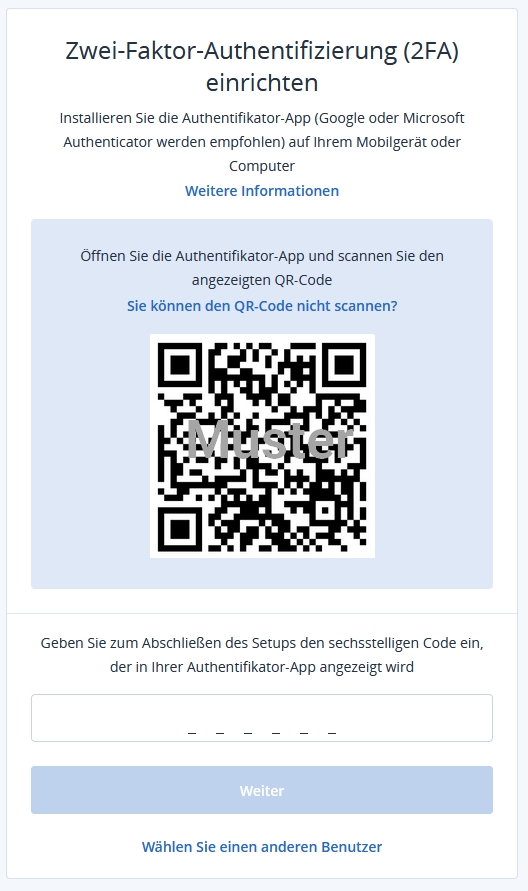
- After entering your login details (username & password), you will be asked to set up two-factor authentication for your user account.
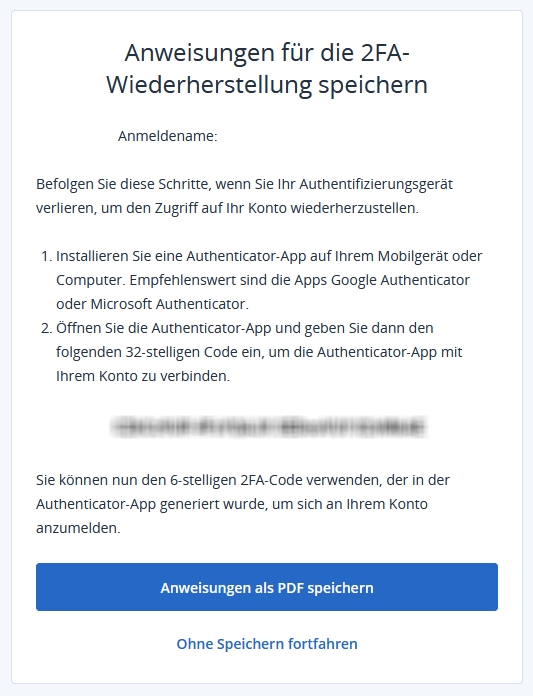
- Now scan the QR code displayed with an authentication app. If it is not possible to scan the QR code, you can also use the 32-digit code below the QR code and enter it manually in the app.
- To complete the setup, you now need to enter the six-digit code that is generated and displayed in the app. This code is automatically regenerated every 30 seconds.